Overview
One of the most important configuration decisions when integrating Shopify with QuickBooks Online through weintegrate is selecting your Record Sales Type. This system-wide setting determines which QuickBooks Online document type will be created for all Shopify sales transactions across your connected store(s).
You can choose between two options:
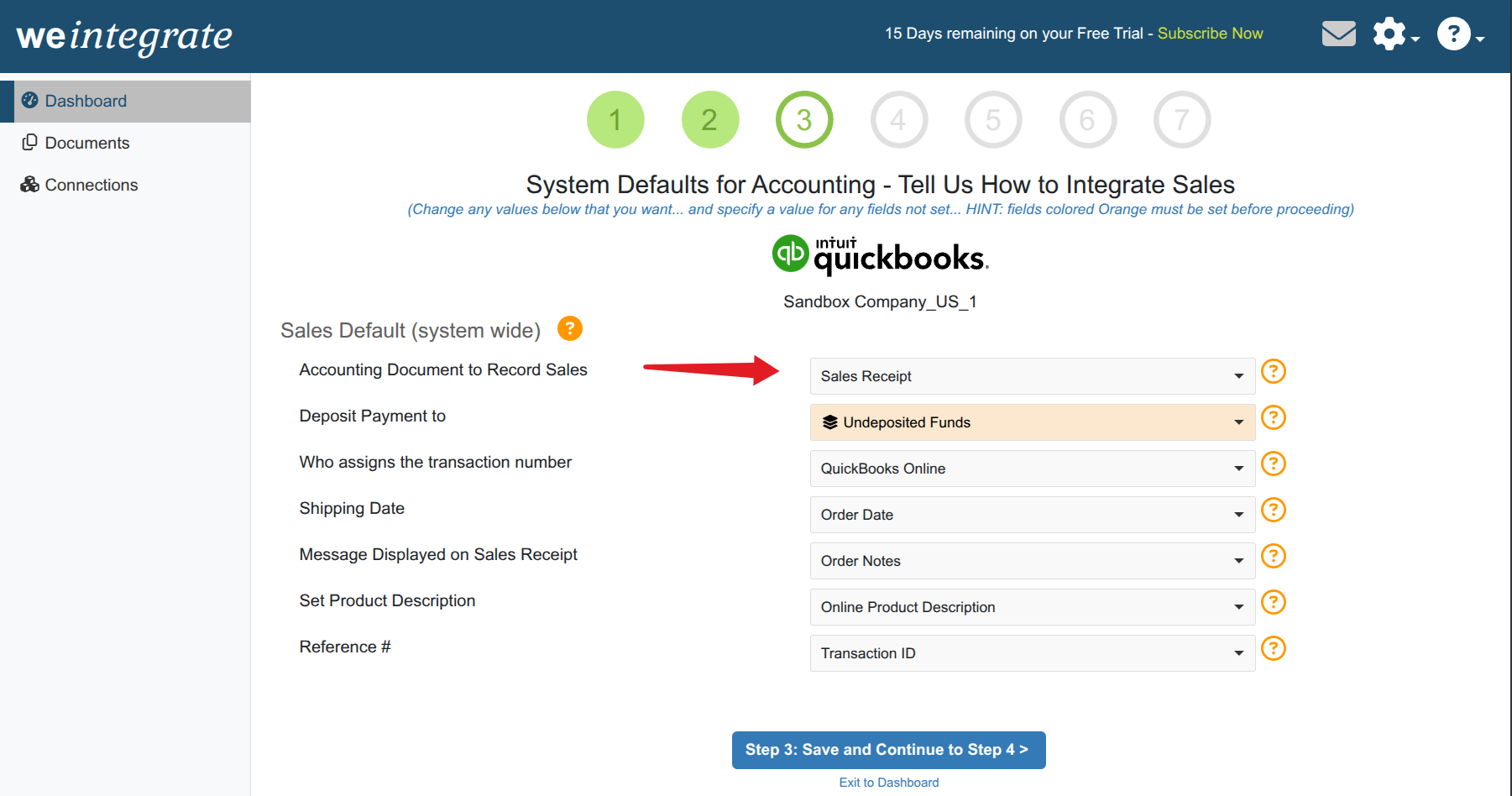
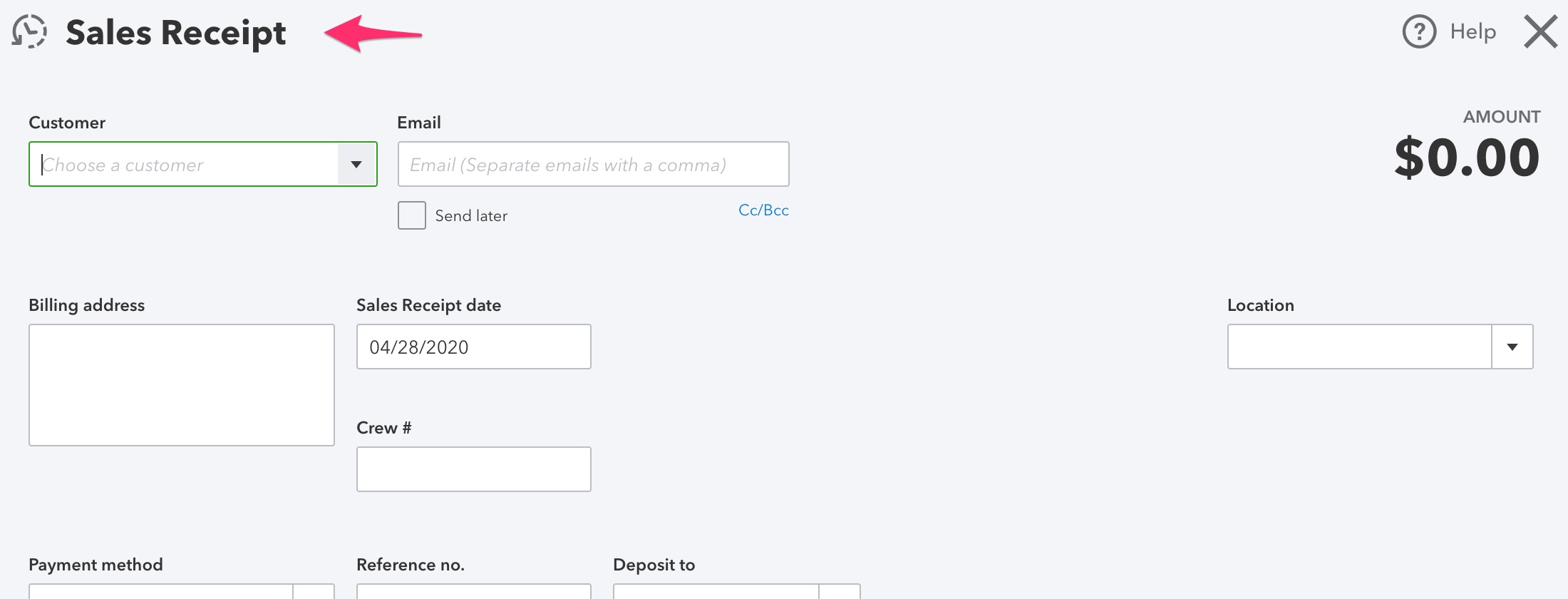
- Sales Receipt (default) - Creates Sales Receipts and Refund Receipts
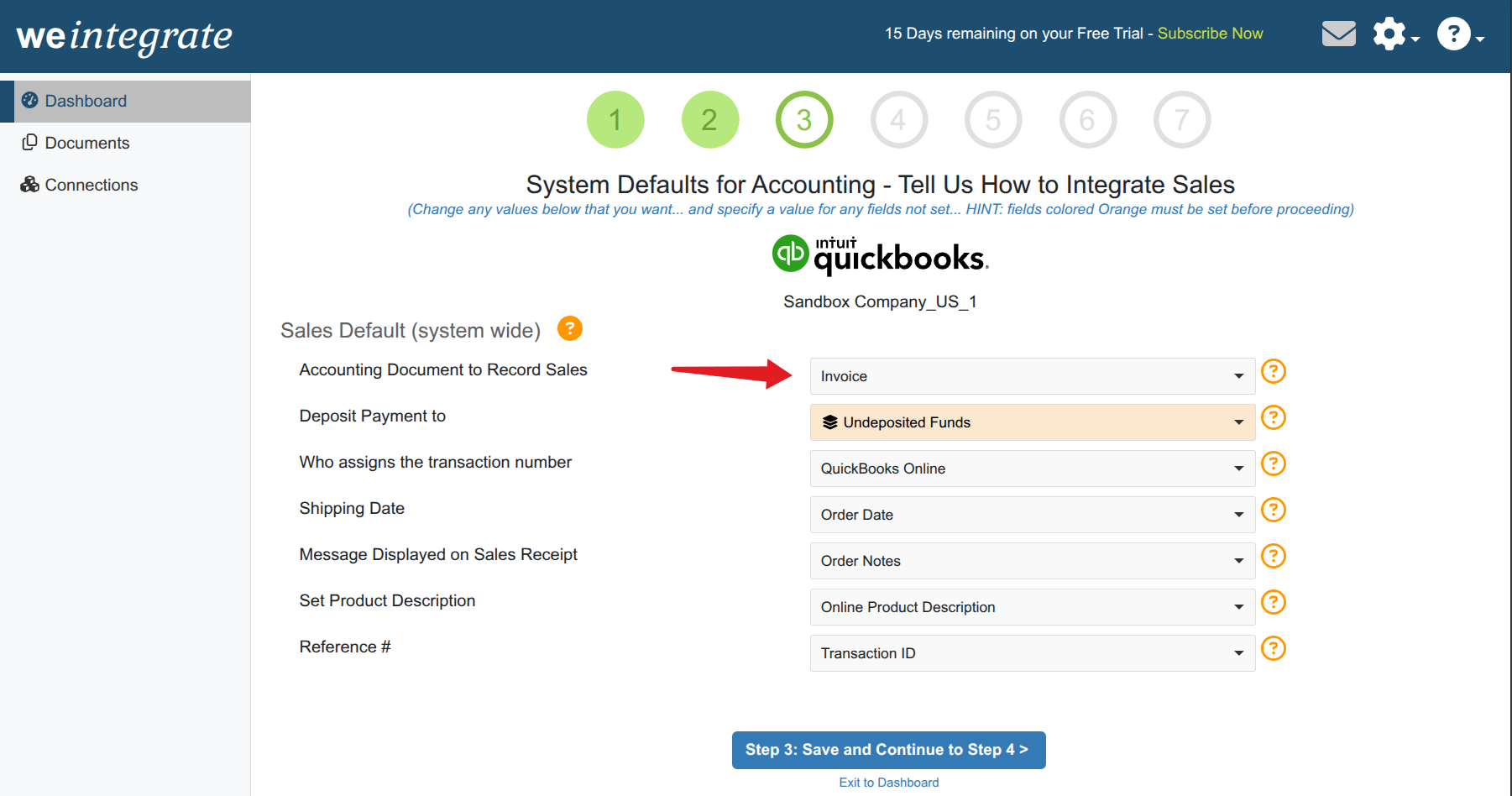
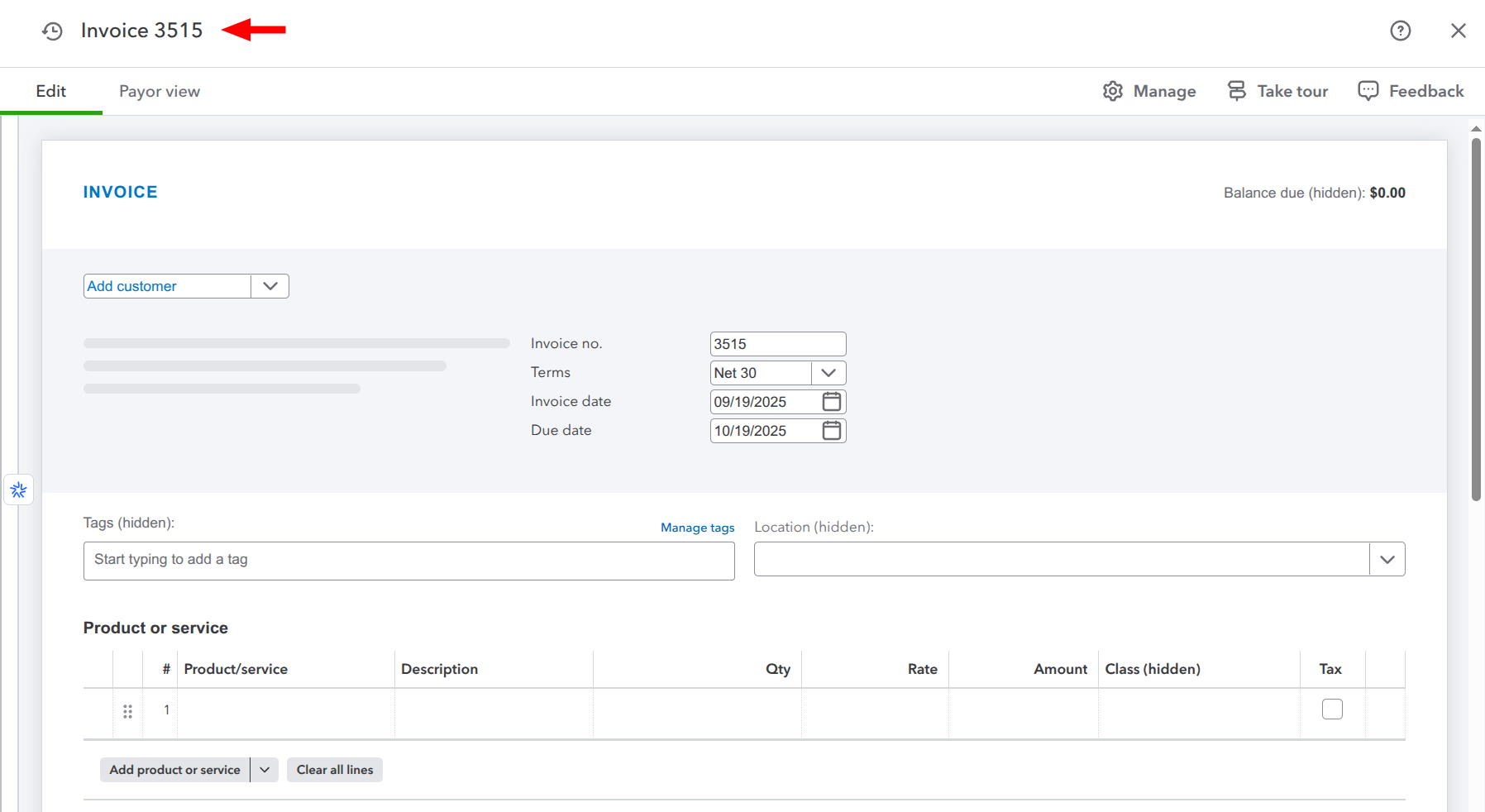
- Invoice - Creates Invoices, Payments, and Credit Memos
This fundamental choice affects how your sales are recorded, when transactions appear in QuickBooks Online, and how you track customer payments. Understanding the differences between these options is critical for proper financial management and reporting.
Understanding the Options
Option 1: Sales Receipt (Default)
Best for: Most businesses, eCommerce businesses that collect payment at time of purchase, retail stores, and cash-based businesses.
When you select Sales Receipt as your record sales type, weintegrate will:
- Create Sales Receipt documents in QuickBooks Online for all paid Shopify orders
- Create Refund Receipt documents in QuickBooks Online for all Shopify refunds
- Hold pending orders from processing until payment is received
- orders with Authorized or Pending financial status will be shown with an orange pending indicator on the Documents > Open Sales page
- Only create QuickBooks records when the Shopify order financial status changes to Paid
Key Characteristic: Sales Receipts represent completed transactions where payment has been received. This option ensures your QuickBooks Online records only reflect actual collected revenue.
When Payment is Received:
- Shopify order financial status changes from “Pending” to “Paid”
- weintegrate creates a Sales Receipt in QuickBooks Online
- The orange Pending indicator is removed from the Documents > Open Sales page
- Revenue is recorded immediately in your accounting system
For Refunds:
- Refund Receipts are created automatically when Shopify refunds are processed
- These reduce your revenue and properly record the returned funds
Option 2: Invoice
Best for: Businesses offering payment terms or net payment arrangements, B2B businesses, wholesale operations, companies extending credit to customers
When you select Invoice as your record sales type, weintegrate will:
- Create Invoice documents in QuickBooks Online for all Shopify orders
- Create Credit Memo documents in QuickBooks Online for all Shopify refunds
- Create Invoices immediately when orders are placed, regardless of payment status
- Apply the payment terms from the Shopify order (e.g., Net 30, Due on Receipt)
- Automatically update Invoice status as the Shopify order financial status changes
- Track payment status separately from the sale itself in the QuickBooks Online Payment
Key Characteristic: Invoices represent sales that have been made but may not yet be paid. This option allows you to record revenue when earned (accrual accounting) while separately tracking when payment is received.
When Order is Placed:
- Shopify order is created (payment may be pending)
- weintegrate creates an Invoice in QuickBooks Online immediately
- Payment terms from Shopify are applied to the Invoice
- Sale is recorded; payment tracking begins
When Payment is Received:
- Shopify order financial status changes to “Paid”
- Invoice status in QuickBooks Online updates automatically
- Payment is recorded against the Invoice
- Documents page status reflects the payment
For Refunds:
- Credit Memos are created automatically when Shopify refunds are processed
- These reduce accounts receivable and properly credit the customer’s account
Accessing these settings after the initial wizard
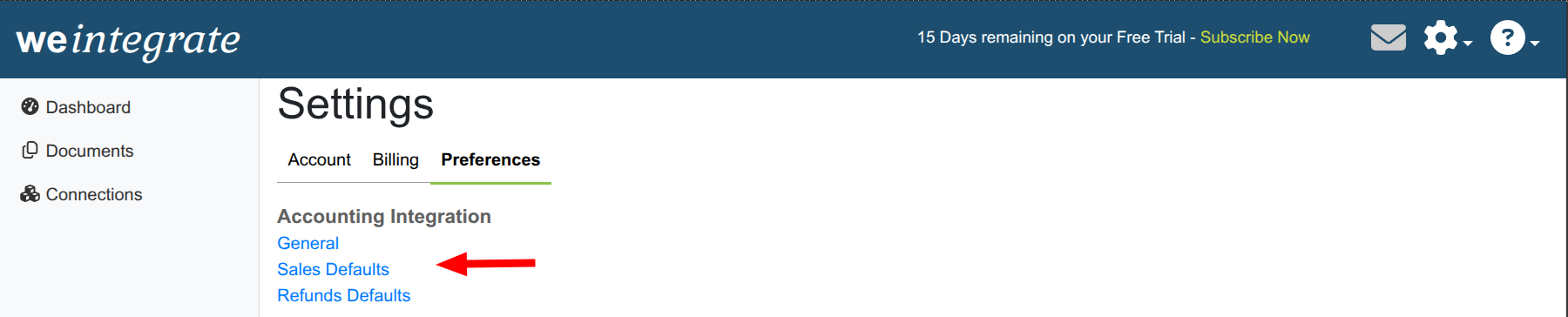
After you’ve completed the wizard, to access the system wide Sales Default settings:
- Click on the gear icon on the top right

- From the dropdown, click on Preferences
- Click on Sales Defaults

Important Notes
Changing Record Sales Type After Setup
- Not Retroactive: Changing your Record Sales Type only affects new transactions created after the change
- Existing Transactions: Previously created Sales Receipts or Invoices remain unchanged
- Consider Timing: Make the change at the beginning of an accounting period (month or quarter) for cleaner financial reporting
- Consult Your Accountant: Discuss implications with your accountant before changing record types
Next, Learn about Deposit Payment to
Click here to learn about setting the Deposit Payment to account default for integrating with QuickBooks Online.